+86 139 2233 0292

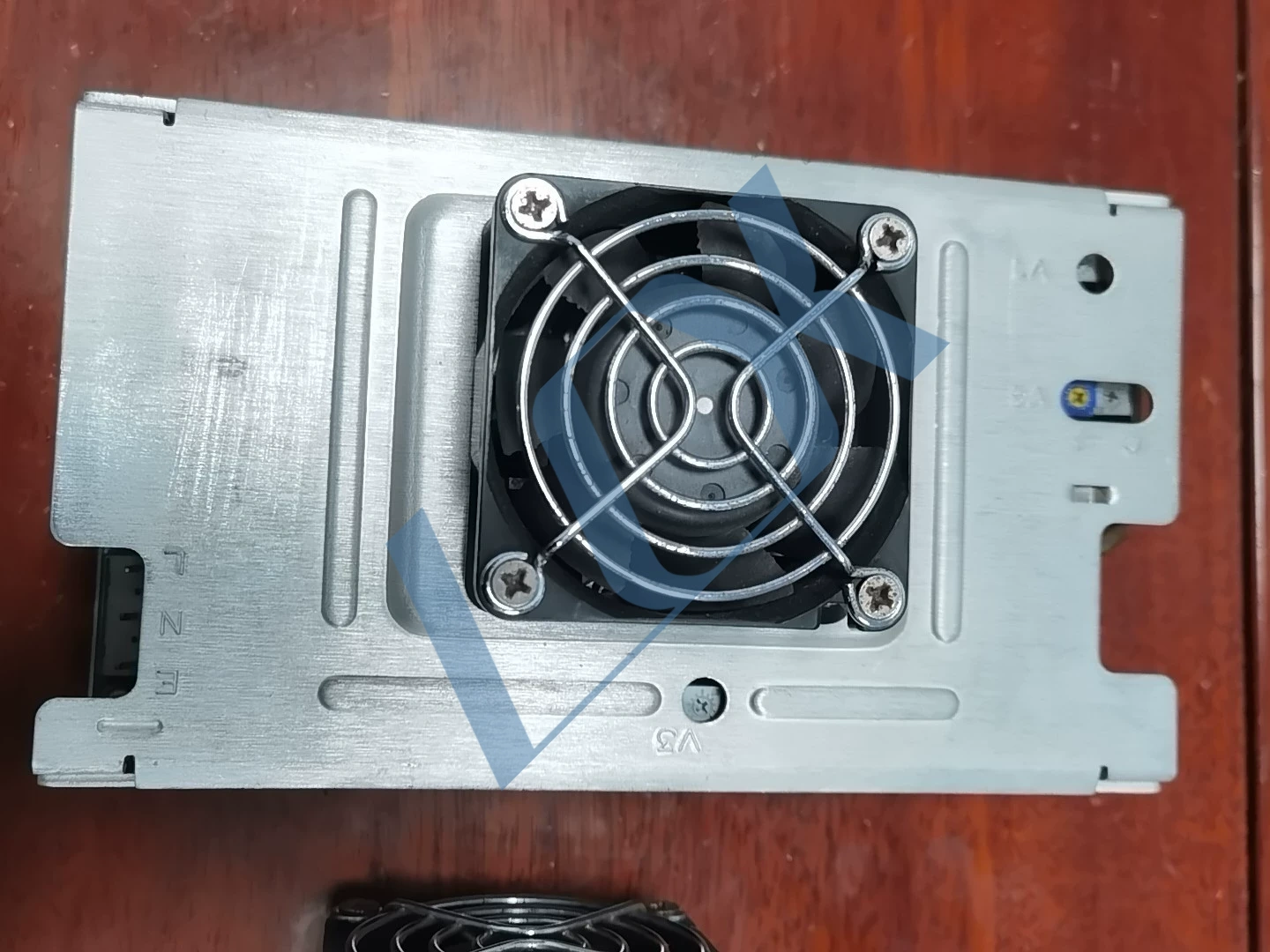
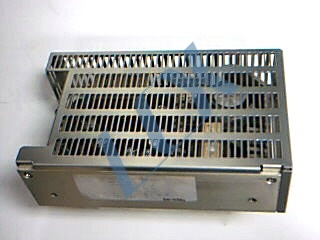
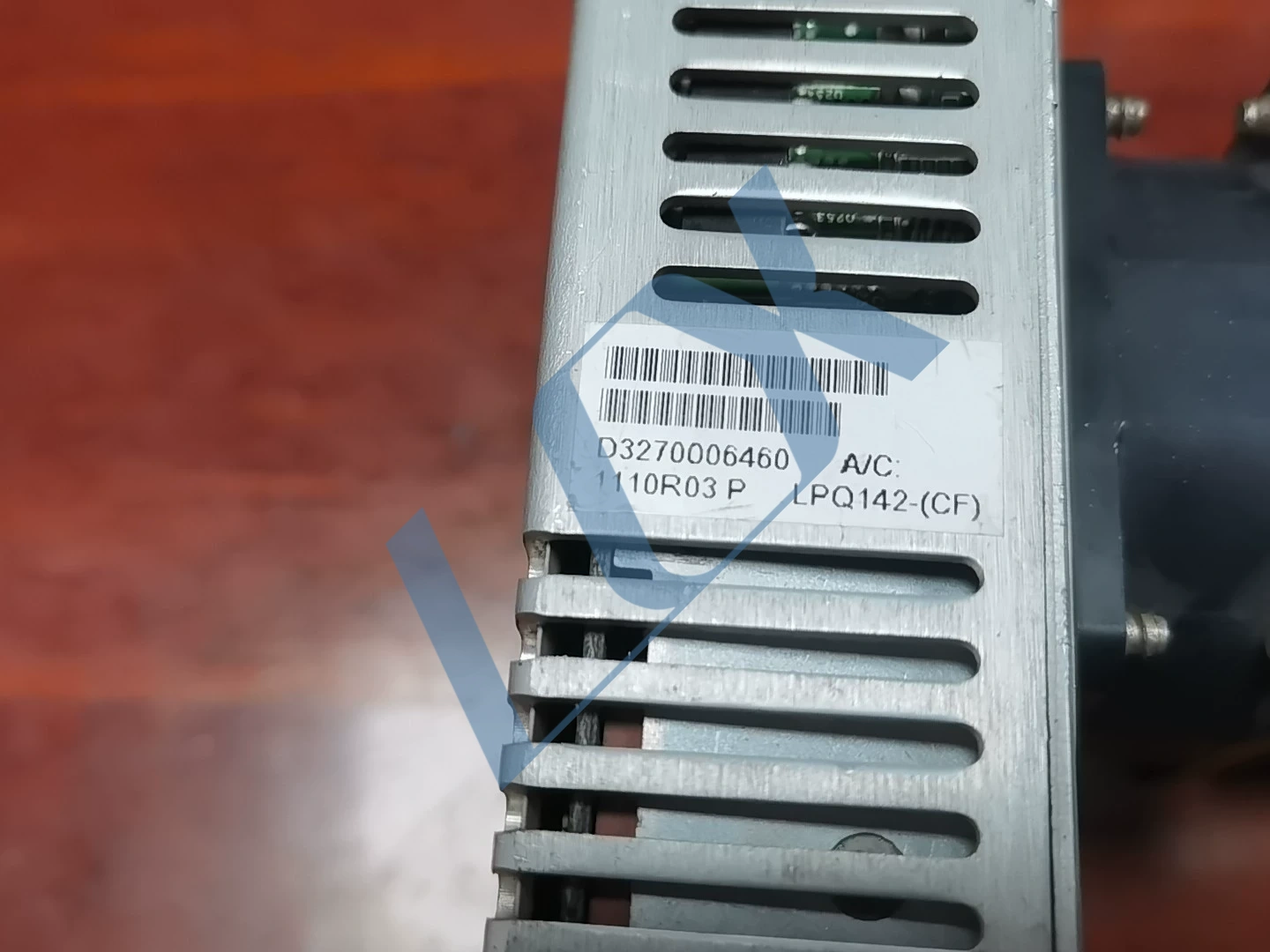
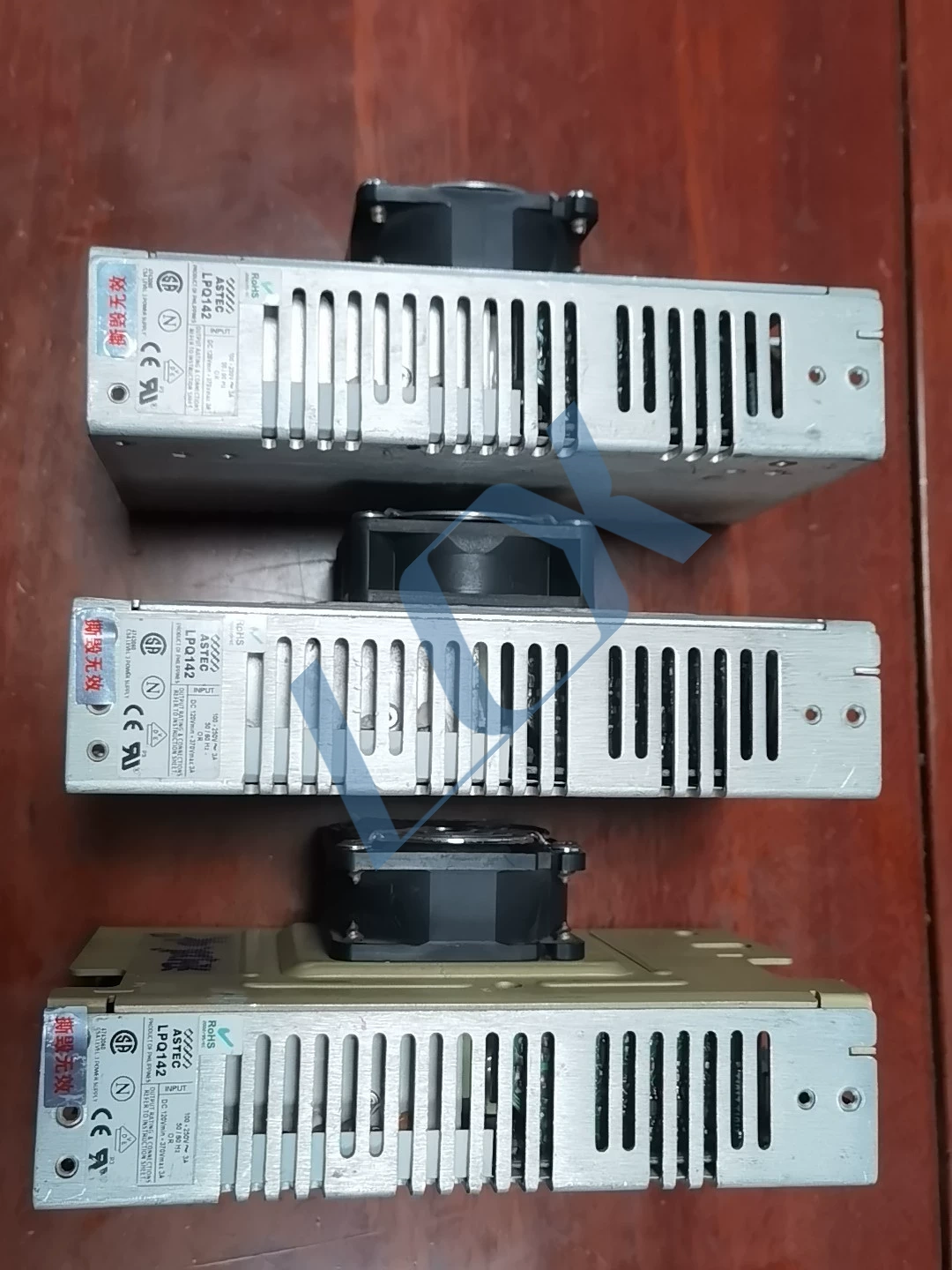
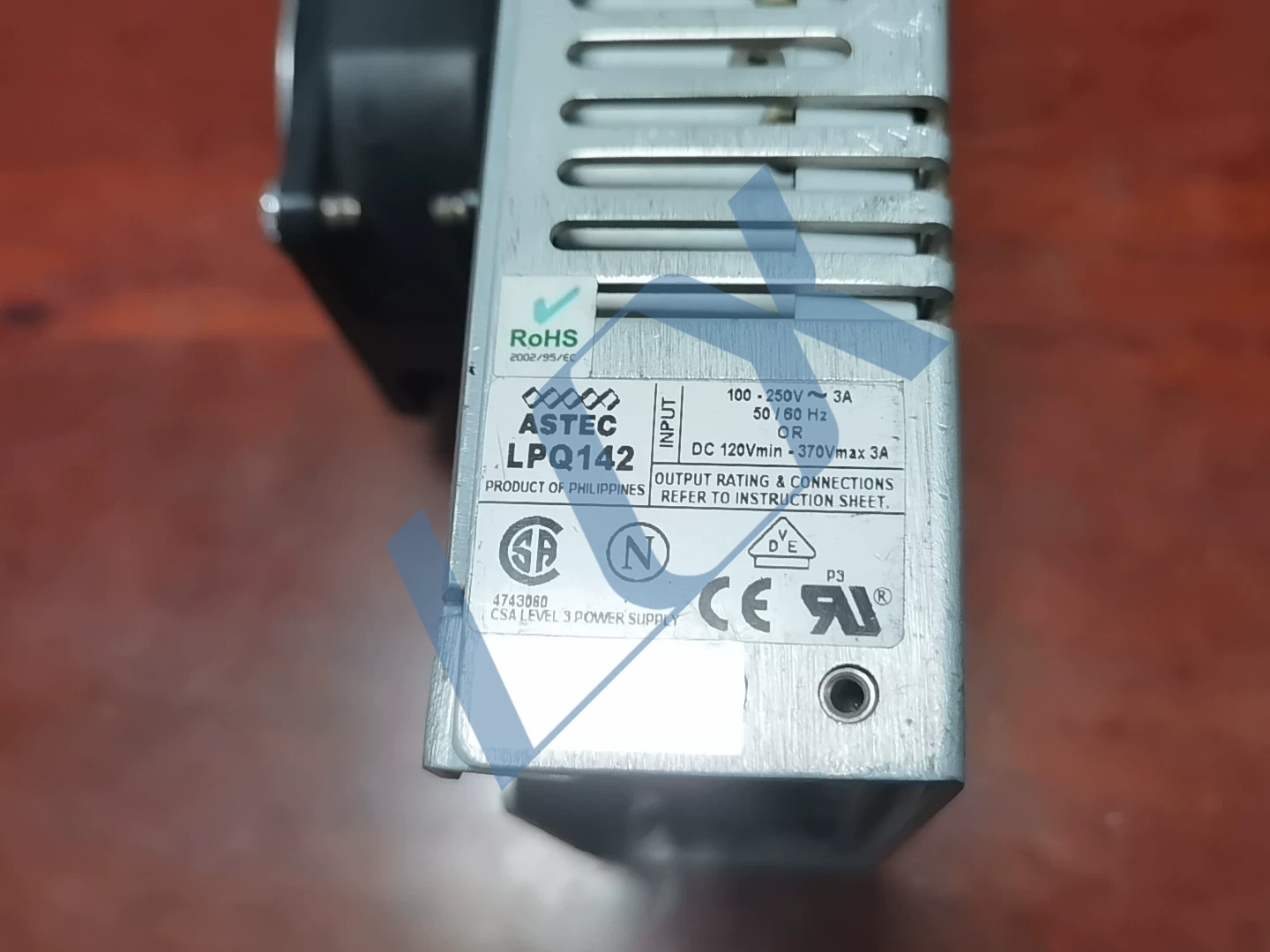
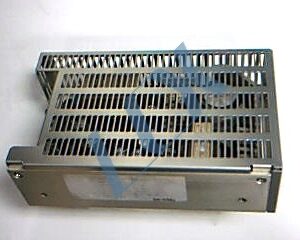
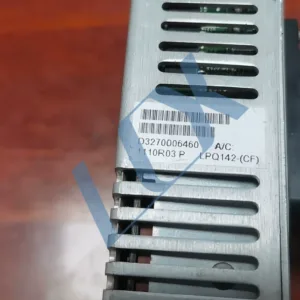
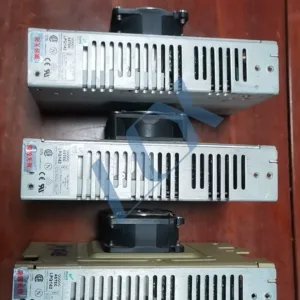
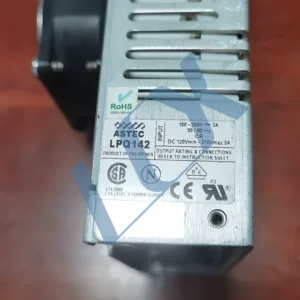
ASTEC LPQ142 (LPQ142-CF) Power Supply for Universal Instruments Single-Head AI Insertion Machines
🎯 Core Positioning for Universal Instruments Insertion Machines
This ASTEC LPQ142-CF power supply is the original standard industrial power supply for Universal Instruments single-head AI insertion machines. It provides multiple stable DC power supplies to the equipment’s control board, drive circuits, and sensor systems, making it the core power unit for accurate insertion and stable operation.
📌 Compatible Model List (Universal for All Models)
This power supply is specifically designed for Universal Axial/Radial Insertion Machines and is perfectly compatible with the following mainstream models:
Axial Insertion Machine Series: 6241, 6241B, 6291, 6380, 6380A, 6380B, 6380E
Radial Insertion Machine Series: 6360, 6360A, 6360B, 6360E
High-Speed Single-Head Insertion Machine Series: 4796, 4797, 4798, 4799, Genesis Single-Head Models
⚠️ Note: Only applicable to single-head insertion machines; not compatible with dual-head/multi-head Genesis or Advantis platform models.
⚙️ Optimized Technical Specifications for Insertion Machines
Parameters | Specification Details | Advantages for Insertion Machine Scenarios
Rated Power: 145W (Industrial-grade multi-output) | Meets the power supply needs of multiple modules including control boards, drivers, and sensors in insertion machines.
Input Voltage: 100-250V AC / 120-370V DC, 3A wide voltage range adapts to factory power grid fluctuations, preventing shutdowns due to voltage instability.
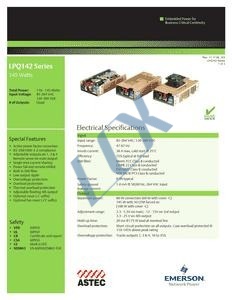
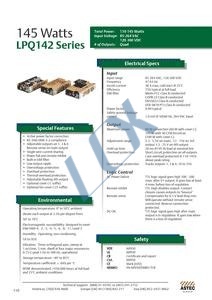
Output Configuration (LPQ142-CF): +5V/25A, +12V/6A, -12V/1.5A, adjustable auxiliary output. Multi-channel isolated power supply provides independent and stable power to control and drive circuits, reducing signal interference.
Cooling Design: Built-in axial fan for forced cooling. Suitable for high-load conditions of 24-hour continuous production in insertion machines, preventing overheating and shutdown.
Protection Mechanism: Full output short circuit/overload/overvoltage protection. Prevents damage to the mainboard due to abnormal load, improving production stability.
🔧 Common Faults and Maintenance in Plug-in Machine Scenarios
Typical Fault Phenomena:
* Device cannot start, no power indicator
* Random restarts during plug-in process, positioning misalignment
* Power supply fan not spinning, casing temperature too high
* Unstable output voltage, device reports “control board communication error”
Troubleshooting and Maintenance Recommendations:
* Basic Checks: First, check if the fan is stuck/dust-covered, if the power supply has a burnt smell, bulging capacitors, and if the input/output interfaces are loose or oxidized.
* Output Voltage Test: Use a multimeter to measure each output (+5V/±12V). If the voltage deviation exceeds ±5%, it indicates that the power supply is aging or faulty.
* Heat Dissipation Maintenance: Regularly clean the fan and heatsink to prevent overheating protection due to poor heat dissipation.
* Spare Parts Management: It is recommended to keep a tested and working LPQ142-CF as a spare part to avoid production stoppage due to parts shortage in case of failure.
Share to:
ASTEC LPQ142 Industrial Power Supply (LPQ142-CF)
🔍 Core Product Information
Brand/Manufacturer: ASTEC (now part of Artesyn Embedded Technologies/Emerson)
Model: LPQ142 (specific version LPQ142-CF)
Origin: Philippines
Rated Power: 145W (Industrial-grade multi-output switching power supply)
Typical Applications: Universal AI component insertion machines, SMT industrial equipment (providing stable power supply for control boards and drive circuits)
📊 Key Electrical Parameters
Parameters Specifications Details
Input Voltage: 100-250V AC 3A / 120-370V DC 3A (Wide voltage input)
Frequency: 50/60Hz (compatible with 47-67Hz)
Output Configuration (LPQ142-CF): Multiple outputs: +5V/±12V / Adjustable auxiliary output, main +5V up to 25A
Protection Features Full output short-circuit protection, overload protection (110-145% load), overvoltage protection
Efficiency: Typical full-load efficiency ≥75%
Certifications: RoHS, CE, UL, CSA Level 3 power supply certification
⚙️ Features and Design Characteristics
Active PFC (Power Factor Correction): Meets IEC EN61000-3-2 standards, reducing grid harmonic interference and adapting to industrial equipment power supply requirements.
Forced Fan Cooling: Equipped with an axial fan to ensure cooling needs during long-term full-load operation, suitable for continuous production scenarios such as plug-in machines.
Multi-channel Isolated Outputs: Provides independent power supply for the device’s digital circuits, analog circuits, and drive modules, reducing signal interference.
Industrial-grade Reliability: Wide operating temperature range (0-50℃), vibration and shock resistant design, suitable for complex workshop conditions.
🛠️ Application and Maintenance Points
Compatible Equipment
Universal Single/Multi-Head AI Axial/Radial Insertion Machines (e.g., 6241, 6380, 4796 series)
Some SMT peripheral industrial control equipment (output pin definitions and voltage specifications need to be verified)
Common Faults and Troubleshooting
Table
Fault Phenomenon | Possible Causes | Troubleshooting Suggestions
No Output / Equipment Does Not Start | Fan failure, blown input fuse, abnormal +5V output on main circuit | First check if the fan is stuck/not spinning, then use a multimeter to measure the input/output voltage to confirm if it is damaged by overcurrent.
Intermittent Power Loss / Restart | Poor heat dissipation due to fan dust, short circuit at output load, aging capacitors | Clean the fan and heatsink, check if the output cable is short-circuited, and measure if the capacitor capacitance has decreased.
Unstable Output Voltage | Overload, feedback circuit failure, moisture-induced corrosion of potting compound | Disconnect part of the load to test the voltage, check the PCB board for corrosion marks, and replace the power supply if necessary.
📦 Procurement and Replacement Instructions
When procuring, verify the version suffix (e.g., LPQ142-CF) to ensure pin definitions match the original device.
For salvaged parts, test all output voltages, fan function, and load capacity beforehand to avoid equipment downtime due to power supply failure after installation.
LCX Copyright © 2026 All Rights Reserved.